
Smart Home
Smart Home Devices Actually Worth Buying
Cut through the gadget noise with a practical guide to the smart home devices that earn their keep, plus which ones to skip.
The smart home has finally grown up
For years, smart home devices promised convenience and delivered frustration: apps that didn't talk to each other, hubs that fell offline, and gadgets that worked with one voice assistant but not another. That's changed considerably. In our testing over the past two years, reliability has improved dramatically, largely thanks to the Matter standard, which lets devices from different brands work together without proprietary hubs.
That doesn't mean every smart device is worth buying. Some categories, like smart thermostats and video doorbells, have matured into genuinely useful tools that pay for themselves. Others, like smart refrigerators with built-in screens, remain expensive novelties for most households. This guide focuses on what's actually worth the investment in 2026.
We'll walk through the categories that consistently deliver value, the ones to approach cautiously, and how to set up a system that won't leave you locked into a single brand's ecosystem for the next decade.
Understanding Matter and why it matters now
Matter is a smart home connectivity standard backed by Amazon, Google, Apple, and Samsung, among others. It allows a Matter-certified device to work with Alexa, Google Home, and Apple Home simultaneously, without needing separate integrations for each. This is the single biggest shift in smart home usability in the last several years.
Before buying any new device, check the packaging or product page for a Matter logo. Devices that support Matter over Thread (a low-power mesh networking protocol) tend to be more responsive and reliable than older Wi-Fi-only smart devices, especially in homes with many connected gadgets.
Smart thermostats: the clearest return on investment
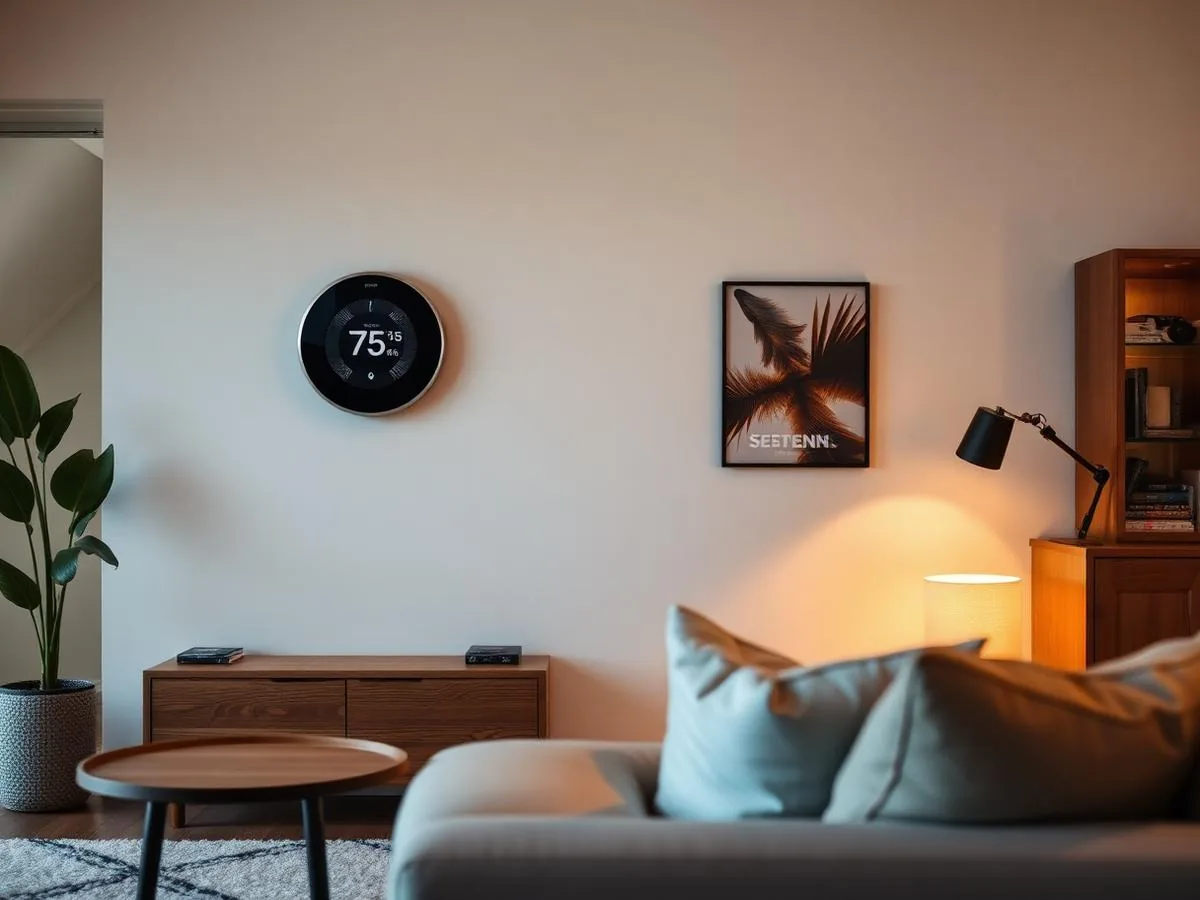
Smart thermostats remain one of the best-value smart home purchases available. Models from Ecobee, Google Nest, and Honeywell Home learn your schedule, adjust for occupancy, and can be controlled remotely, typically reducing heating and cooling costs by 10 to 15 percent according to most manufacturer and utility program estimates.
Installation is straightforward for most homes with existing low-voltage HVAC wiring, though homes without a common (C) wire may need an added adapter kit. Most units cost between $130 and $280, with professional installation adding $100 to $200 if you're not comfortable working with wiring.
What to look for
Prioritize models with room sensors, which prevent the classic problem of a thermostat cooling based on a single hallway reading while bedrooms stay warm. Ecobee's sensor-inclusive models and Nest's temperature-sensing accessories both address this well.
Video doorbells and cameras worth the subscription
Video doorbells have gone from novelty to near-standard home security tool. Brands like Ring, Arlo, and Google Nest offer models with package detection, two-way audio, and night vision that genuinely deter porch theft and provide peace of mind. Most homeowners find the biggest value comes not from catching a crime, but from simply knowing who's at the door before answering.
The catch is the subscription. Most video doorbells require a monthly fee ($3 to $10) for cloud video storage beyond basic motion alerts. Some newer models, including certain Eufy and Google Nest options, offer local storage that avoids ongoing fees, which is worth factoring into the true cost of ownership.
Comparing the major smart home categories
Not every smart device category delivers equal value. The table below reflects our overall assessment based on typical cost, reliability, and how much genuine day-to-day benefit each category provides in an average household.
| Category | Typical cost | Matter support | Overall value |
|---|---|---|---|
| Smart thermostat | $130-$280 | Growing | High |
| Video doorbell | $100-$250 + subscription | Limited | High |
| Smart plugs | $10-$25 each | Widespread | High |
| Smart locks | $150-$300 | Growing | Medium-High |
| Smart lighting | $15-$50 per bulb | Widespread | Medium |
| Robot vacuum | $250-$1,000 | Rare | Medium |
| Smart refrigerator | $2,500-$4,500 | Rare | Low |
Smart plugs deserve special mention: for $10 to $25 each, they turn any lamp, fan, or appliance into a schedulable, remotely controllable device without rewiring anything. They're consistently the highest value-per-dollar item in a smart home starter kit.
Smart locks: convenience with real security tradeoffs
Smart locks from brands like Schlage, Yale, and August let you unlock your door with a code, phone, or fingerprint, and can generate temporary codes for guests or service providers. This is genuinely useful for renters hosting short-term guests or families managing multiple kids' schedules.
That said, smart locks are a security device first, and not all models perform equally under physical or digital attack. Look for ANSI Grade 1 or Grade 2 certification for physical durability, and confirm the lock uses encrypted communication rather than an unsecured Bluetooth connection.
- ANSI Grade 1 or 2 physical security rating
- Encrypted app communication, not open Bluetooth
- Manual key override in case of dead battery
- Auto-lock feature with adjustable delay
- Matter or major-ecosystem compatibility
Step-by-step: building a smart home system without regrets
- 1
Pick your primary ecosystem
Decide whether Amazon Alexa, Google Home, or Apple Home will be your main voice control hub, based on which phones and speakers your household already uses.
- 2
Start with one high-value device
Install a smart thermostat or a couple of smart plugs first. These deliver immediate, noticeable benefits without much setup complexity.
- 3
Add a Thread border router
If your chosen ecosystem's speaker or hub supports Thread, place it centrally in your home to extend range for future devices.
- 4
Layer in security devices
Add a video doorbell and, if desired, a smart lock. Set these up on a separate guest Wi-Fi network if your router supports it.
- 5
Expand lighting gradually
Replace bulbs in frequently used rooms first rather than the whole house at once, to confirm brightness and color temperature preferences.
- 6
Set up automations last
Once devices are stable, create routines like 'turn off all lights at 11 PM' or 'lower the thermostat when everyone leaves.'
Common mistakes and how to avoid them
The most common smart home mistake is buying devices piecemeal without checking ecosystem compatibility first, resulting in three separate apps that don't talk to each other. Standardizing on Matter-certified devices from the start avoids most of this headache.
The second common mistake is neglecting home network capacity. A dozen or more smart devices can strain an older router, especially if they're all on 2.4GHz Wi-Fi. A mesh Wi-Fi system or a router that supports Wi-Fi 6 handles a growing device count far better.
- Buying devices without checking ecosystem or Matter compatibility
- Overloading an old router without upgrading network hardware
- Skipping firmware updates, which often patch real security issues
- Placing security cameras where they capture neighbors' property
- Ignoring subscription costs when calculating total device value
Maintenance and long-term reliability
Smart devices need occasional upkeep like anything else. Update firmware regularly, since manufacturers frequently patch security vulnerabilities as well as performance bugs. Most apps will notify you of available updates, but it's worth checking manually every few months for devices you rarely open the app for.
Battery-powered devices, including many door and window sensors and some smart locks, typically need battery replacement every 6 to 12 months. Keep spare batteries on hand, and set a calendar reminder rather than waiting for a low-battery alert that might arrive at an inconvenient time.
The bottom line
Smart home technology has reached a point where a handful of well-chosen devices can meaningfully improve daily comfort, security, and even energy costs. Smart thermostats, video doorbells, and smart plugs consistently deliver the best value, while smart refrigerators and other high-cost novelties remain optional at best.
Start small, prioritize Matter compatibility, and build your system one useful device at a time rather than buying an entire ecosystem at once. That approach keeps costs manageable and avoids the compatibility headaches that gave smart homes a bad reputation in the first place.
Keep reading
Sources
- #smart home
- #tech
- #matter
- #automation
Frequently Asked Questions
What is Matter and why does it matter for smart home shopping?
Matter is a connectivity standard supported by Amazon, Google, Apple, and Samsung that lets smart devices work across different ecosystems without proprietary hubs. Buying Matter-certified devices means you're not locked into one voice assistant or app, and it generally leads to more reliable performance.
Are smart thermostats really worth the cost?
Yes, for most households. Smart thermostats typically cost $130 to $280 and can reduce heating and cooling costs by 10 to 15 percent through better scheduling and occupancy detection. Most homeowners recoup the cost within one to two years through energy savings alone.
Do I need a subscription for a video doorbell?
Most video doorbells require a monthly subscription, usually $3 to $10, for cloud video storage beyond basic motion alerts. A few newer models offer local storage without a subscription, which is worth considering if you want to avoid ongoing costs.
Are smart locks safe to use on a front door?
Reputable smart locks with ANSI Grade 1 or 2 ratings and encrypted communication are as secure as traditional deadbolts, and add convenience like temporary guest codes. Avoid off-brand locks without a clear security rating or a manual key override option.
Will smart home devices slow down my Wi-Fi?
A large number of smart devices can strain an older router, particularly on the 2.4GHz band. Upgrading to a mesh Wi-Fi system or a Wi-Fi 6 router generally resolves slowdowns and improves reliability as you add more devices over time.
Is a robot vacuum a good smart home investment?
Robot vacuums offer moderate value: they're convenient for maintenance cleaning but rarely replace a full weekly vacuum, especially in homes with a lot of carpet or pet hair. Models between $250 and $500 typically offer the best balance of performance and cost.
Should I buy a smart refrigerator or other high-end smart appliance?
For most households, smart refrigerators and similar high-cost smart appliances offer limited practical benefit relative to their $2,500 to $4,500 price premium over standard models. Unless a specific feature like an internal camera solves a real problem for you, this category is easy to skip.
Related Articles

Small Living Room Layouts That Feel Twice the Size
Smart furniture placement, scale tricks, and traffic-flow rules that make a compact living room live large.

Vegetable Garden Failures: How to Fix Common Problems
Discover how to diagnose and resolve common vegetable garden challenges using practical, science-based troubleshooting techniques to save your plants.

High Yield Vegetable Gardening: Advanced Methods for Success
Take your harvest to the next level by implementing intensive planting strategies, precision nutrient management, and data-driven garden planning techniques.